Difference between revisions of "LFS Editor/Guides/Steering Wheel"
From LFS Manual
< LFS Editor | Guides
Jump to navigationJump to search| (One intermediate revision by the same user not shown) | |||
| Line 5: | Line 5: | ||
{{steps | {{steps | ||
| Enter the [[Modeller|modeller]]. | | Enter the [[Modeller|modeller]]. | ||
| − | | Switch to any 2D view (e.g. front view by clicking the {{old button|f| | + | | Switch to any 2D view (e.g. front view by clicking the {{old button|f|green}} button in the [[LFS Editor/User Interface#Viewports|viewport controls]] at the bottom right, or pressing the {{key press|F}} key). |
| Click the {{old button|point}} button at the top (or press the {{key press|3}} key) to enter [[LFS Editor/Modeller/Point Mode|Point Mode]]. | | Click the {{old button|point}} button at the top (or press the {{key press|3}} key) to enter [[LFS Editor/Modeller/Point Mode|Point Mode]]. | ||
| − | | Click {{old button|new point| | + | | Click {{old button|new point|palegreen}} and then click {{old button|create circle|yellow}} on the left side. |
| Drag the circle you created to the left/right side. | | Drag the circle you created to the left/right side. | ||
| [[File:Drag Circle.gif|Drag circle]] | | [[File:Drag Circle.gif|Drag circle]] | ||
| − | | On the left {{old button|excl| | + | | On the left {{old button|excl|paleviolet}} open Click Ctrl+ on the first point you created. |
| − | | Switch to any 2D view (e.g. top view by clicking the {{old button|T| | + | | Switch to any 2D view (e.g. top view by clicking the {{old button|T|green}} button in the [[LFS Editor/User Interface#Viewports|viewport controls]] at the bottom right, or pressing the {{key press|T}} key. |
| − | | Later, click {{old button|lathe| | + | | Later, click {{old button|lathe|palegreen}} and set how many steps it will take and how many degrees it will rotate. |
}} | }} | ||
| + | |||
| + | [[Category:LFS Editor Guides|{{SUBPAGENAME}}]] | ||
Latest revision as of 11:42, 14 February 2026
| LFS Editor | |
|---|---|
|
|
| Vehicle Mods |
Creating a Steering Wheel
- 1 Enter the modeller.
- 2 Switch to any 2D view (e.g. front view by clicking the f button in the viewport controls at the bottom right, or pressing the F key).
- 3 Click the point button at the top (or press the 3 key) to enter Point Mode.
- 4 Click new point and then click create circle on the left side.
- 5 Drag the circle you created to the left/right side.
- 6
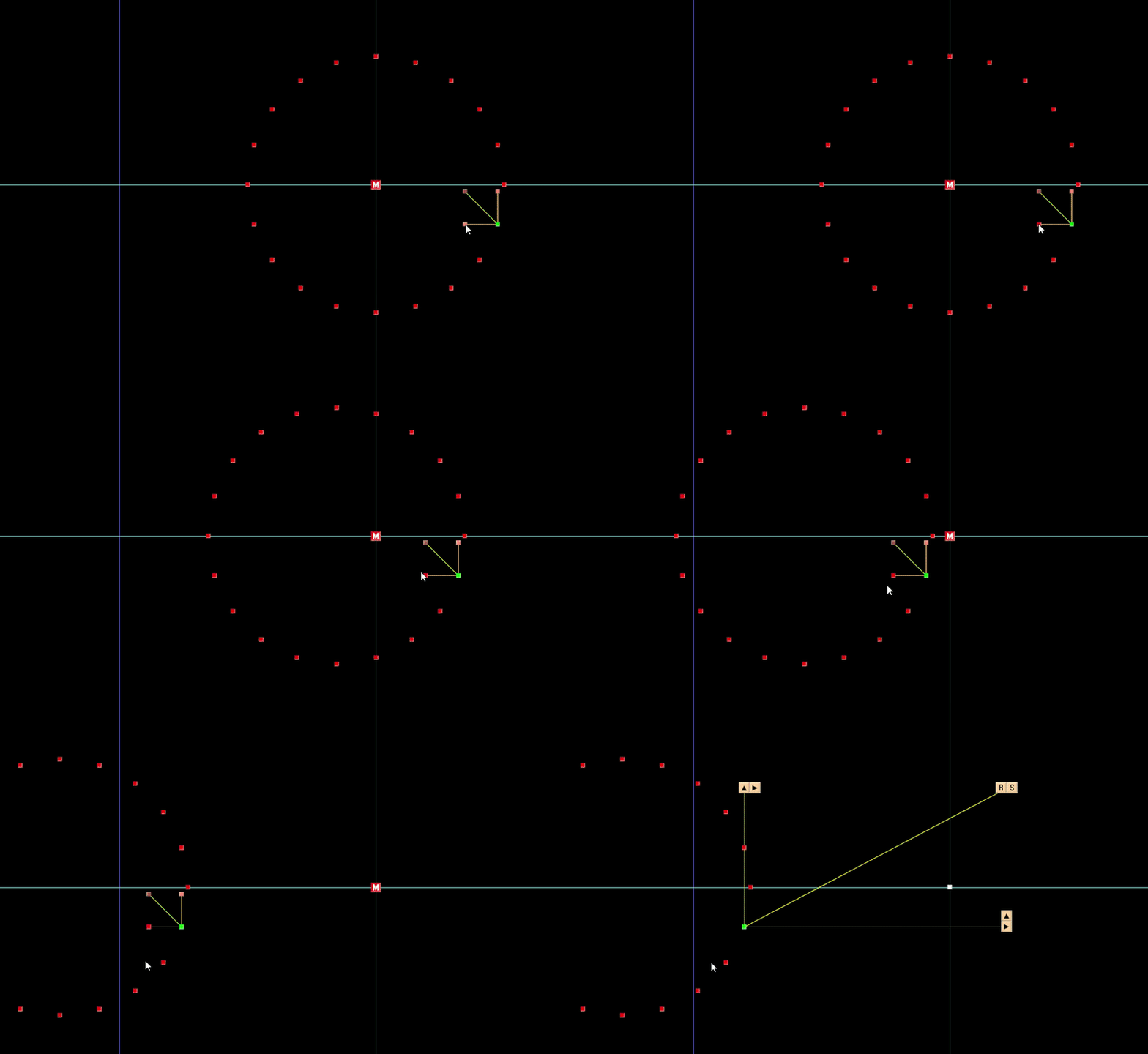
- 7 On the left excl open Click Ctrl+ on the first point you created.
- 8 Switch to any 2D view (e.g. top view by clicking the T button in the viewport controls at the bottom right, or pressing the T key.
- 9 Later, click lathe and set how many steps it will take and how many degrees it will rotate.

